7 Best Text Editors for Mac to Make You Love Writing Again
Do you use Text editors on your Macs? Then, you must have used the pre-installed text editors on your Macs, i.e., TextEdit. But TextEdit might not be the best choice for you for writing code or managing complex projects. So if you are looking at the list of other Text Editors for Mac that help you write codes and manage complex projects, scroll down the below post.
The in-built TextEdit application technology allows you to write either Plain Text (txt) or RTF (rich text format). So, if you want to create a simple text editor that is free and easy to use, then TextEdit is the best choice. But for creating complex text or writing codes, you must get the alternative text editor for Mac.
In the below post, I will help you get the list of best text editors for Mac and details for each available text editor. So you can analyze the best text editor as per your requirement.
7 Best Text Editors for Mac
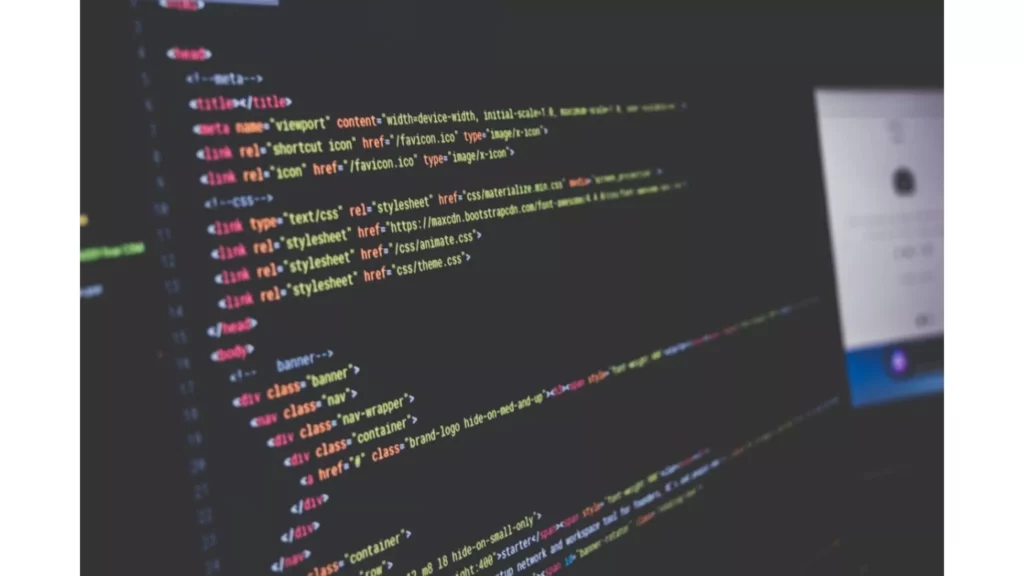
The text editors offer a variety of features and customization options, so you can choose the one that best meets your needs. Here are some of the best free text editors for Mac:
- Brackets
- Visual Studio Code
- TextWrangler
- Vim
- Komodo Edit
- Sublime Text
- Atom
- TextMate
- GNU Emacs
- Emacs
- BBEdit
- Notepad++
- KEdit
Out of these available best text editors for Mac, the seven most demanded text editors are explained as follows.
1. Visual Studio Code
VS Code or Visual Studio Code is a freeware code editor from Microsoft. This editor is made of the Electron framework. Visual Studio Code editor is compatible with all important operating systems like macOS, Windows, and Linux.
There is an aspect of Visual Studio Code editor that differentiate it from other source-code editors. The VS Code is available to work with multiple directories instead of a project-based system. Visual Studio Code isolates multiple directories into various workspaces. It works like a language-agnostic code editor.
In the Visual Studio Code editor, you can write various languages like Java, Python, C / C++, Go, and JavaScript. By providing an extensive set of features like snippets, support for syntax highlighting, code refactoring, intelligent code completion, Git integration, and debugging, Visual Studio Code editor helps you in the coding process.
You can easily collaborate and work remotely. If you are a new user, Visual Studio Code editor will give you features like Peek Definition and IntelliSense to guide you in various aspects of programming languages.
2. Atom

GitHub (now owned by Microsoft) developed a free and open-source editor called Atom. Most of the features of Atom are developed and maintained by the community. Atom is also based on the framework of Electrons. But Atom is not as feature-rich as Visual Studio Code.
Atom comes with its icon in the dock. Atom is a great developer tool that is completely customizable. You can use Atom effectively without touching the config file. Without touching a config file, you can use Atom productively.
Atom lets you install custom themes so you can market it as a hackable text editor and enable you to increase external packages and overall experience. Atom is a user-friendly and easy-to-navigate code editor with a modern and clean user interface. HTML, JavaScript, Go, CSS, PHP, C, C++, Python, and Java are the supported languages in Atom.
3. Sublime Text
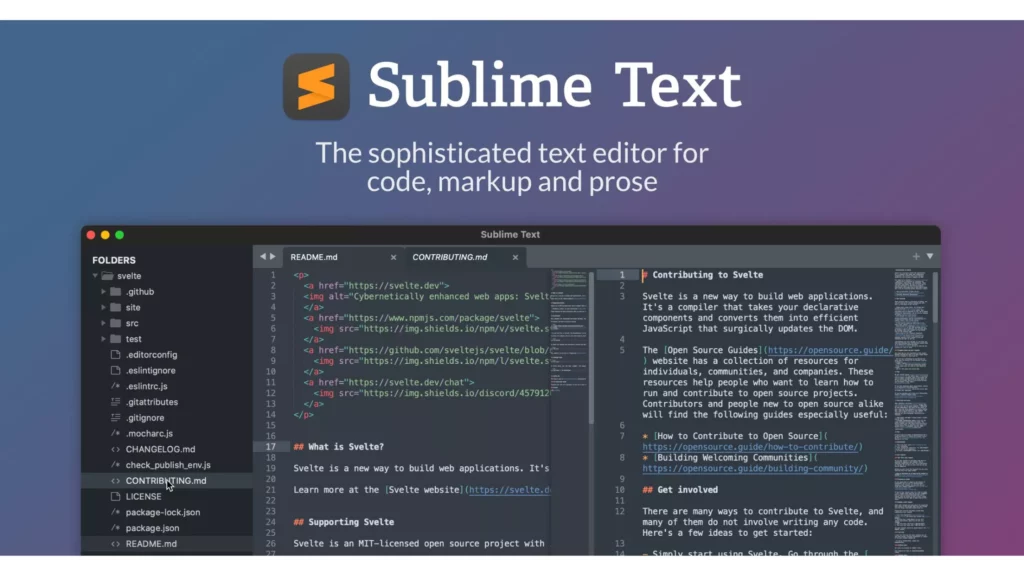
Sublime Text is another highly demanded text editor for text management and coding for Mac. The user-friendly interface of Sublime Text gives you the speed and features to format, manage, and edit your text files without any hassles.
Sublime Text editor is designed with Python and web programming in mind. On Mac, Sublime Text is one of the most preferred best text editors for Mac. But you can also use Sublime Text for markup languages and other programming. Some of the convenient Sublime Text is goto definition, snippets, split editing, command palette, and code auto-completion goto anything.
Sublime Text has another product called Sublime Merge. It is a GUI-based version control for Sublime Text. Sublime Merge helps you to search your repository, resolve conflicts faster, and commit changes to it. In the Sublime Text editor, you can write various languages like Java, Python, C, C++, Go, HTML, LaTeX, PHP, SQL, and JavaScript.
4. BBEdit
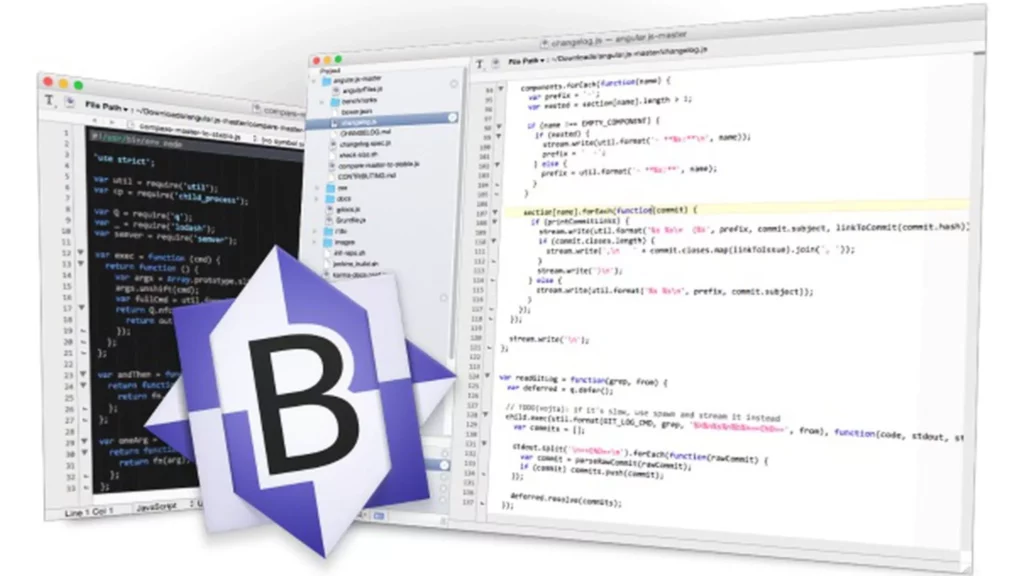
BBEdit is a Mac-only text editor designed by Bare Bones Software. It is an award-winning software focused on text editing and HTML. BBEdit is a free TextWrangler text editor discontinued a few years ago and only available on macOS.
To use code folding and code snippets frequently, BBEdit has many efficiency tools like window pane division and clippings function. This text editor provides auto-indentation and auto-completion of code for the programming community.
BBEdit is a workable text editor for developers, authors, or anyone who regularly works with text. BBEdit provides syntax coloring, auto code completion, project definition tools, code folding, and many more features. Some supported languages in BBEdit are ANSI C, C++, Java, Python, JavaScript, PHP, Lasso, SQL, HTML, and many more.
5. VIM
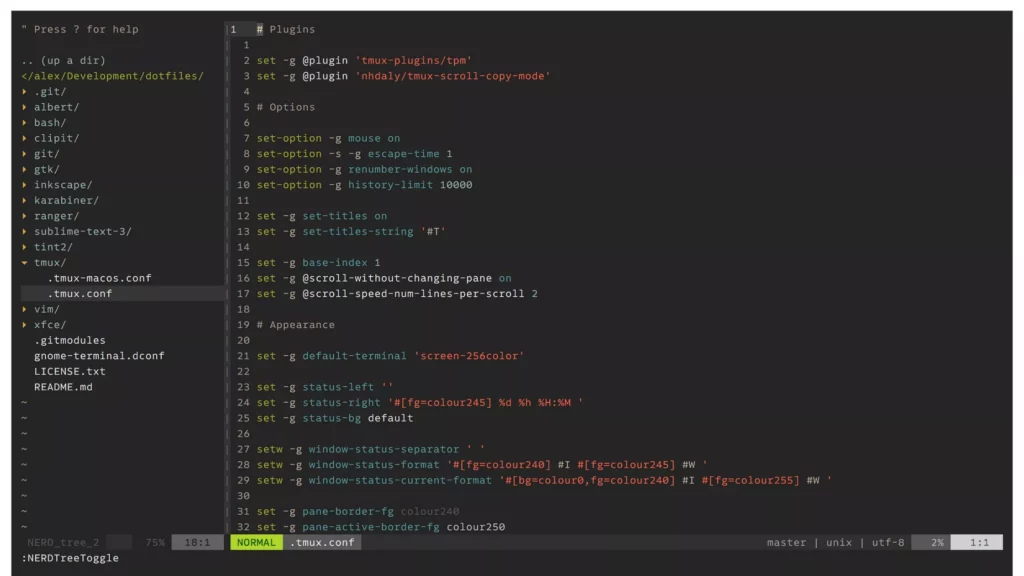
The upgraded version of the Vi editor is Vim which has been serving the programming community for three decades. Vim is widely known for its coding capabilities and system administration. Vim has a completely different look. Vim focuses on getting fundamental rights rather than focusing on the nice-looking interface.
To tailor software as per the requirements, Vim offers different customizations. The developers can create custom plugins and extensions by using the built-in scripting language of Vim. Vim’s interface remains easy to use and simple despite having several functionalities. C, C++, JavaScript, Python, CSS, and HTML are the supported languages in Vim.
6. Emacs
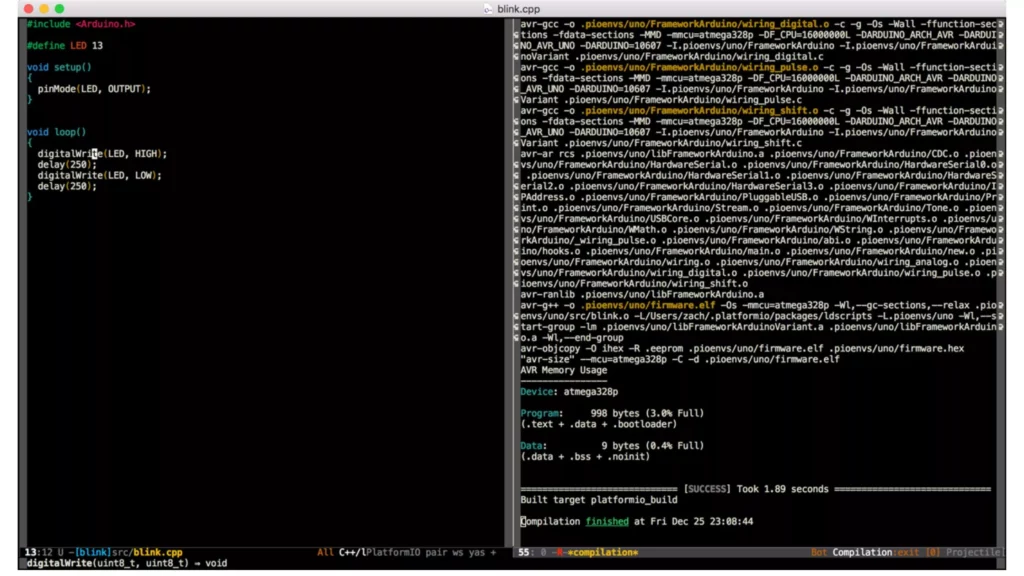
Emacs or Editor MaCroS is one of the best text editors for Mac. Emacs is in high demand among authors and developers because of its configurable capabilities. Emacs is easy to download, install, and use. That’s why this text editor gained popularity and offers customization options. Emacs has 10,000+ commands. The Emacs interface allows you to mix and leverage these commands to make macros to automate your workflow tasks. Emacs includes a shell that enables you to execute commands and scripts without leaving the editor.
It offers auto-completion, code folding, text editing, and syntax highlighting on large projects. In the Emacs text editor, you can write various languages like Java, Python, C, C++, HTML, SQL, and JavaScript.
7. Brackets
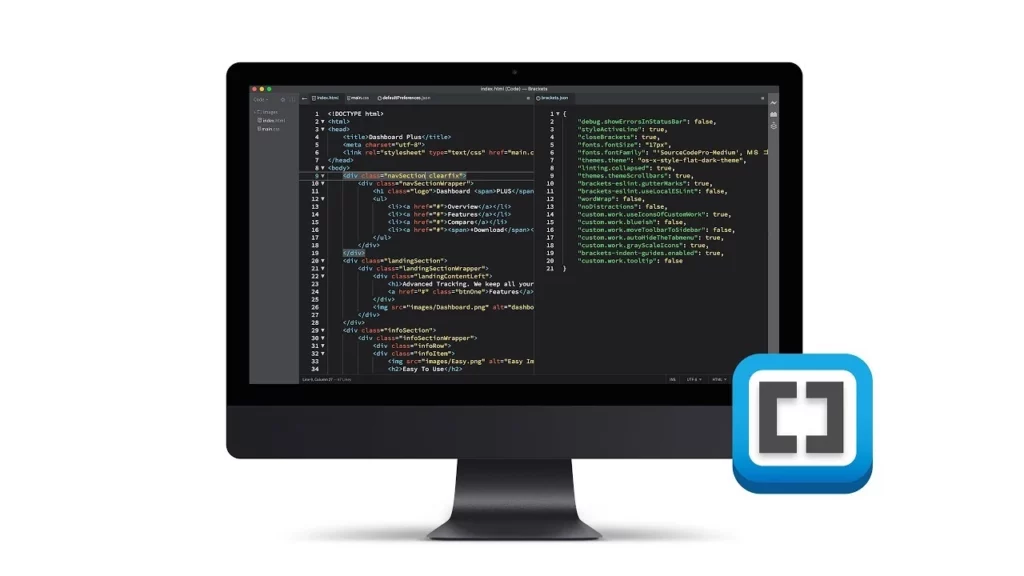
Brackets is a text editor that focuses on web development. Adobe Inc designs it. The interface of Brackets is easy-to-use. Live preview is the most notable feature of Brackets. This feature lets you check and change code in real-time before saving.
Brackets also have a built-in image optimizer. It decreases the size of image files for more efficient and faster web page loading. You can modify code snippets instantly by updating the Brackets’ noteworthy tool. Simultaneously it will save your time and streamline your procedure.
The adjustable Brackets interface allows you to arrange windows and panels appropriately. Mac Brackets is an excellent text editor, whether you are a seasoned developer or just a beginner. C++, C, Python, JavaScript, VBScript to Java, and HTML are some supported languages in Brackets.
Text Editor for Mac to Improve Text & Code Writing
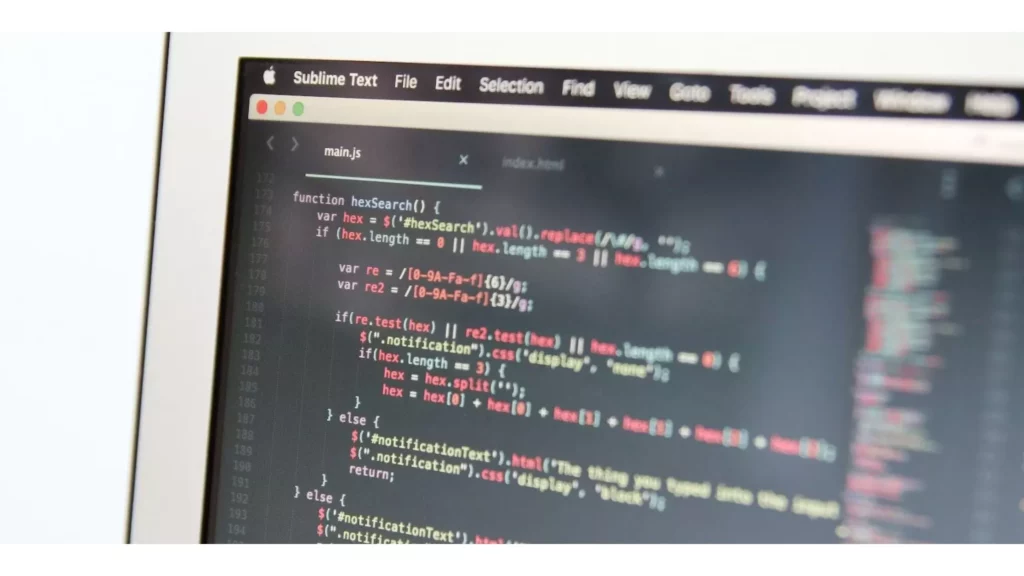
On your Mac, you can write and edit documents using a text editor with great control over the text. You can choose any one text editor from the text mentioned above editors. If you use them to write code, then by using their development-specific features, you can make the most out of it.
Ultimately, the best text editor for Mac depends on your demand, preferences, and needs. If you are looking for a powerful and customizable text editor with various features, the best options are Sublime Text, Visual Studio Code, and Atom.
If you are looking for the best text editors for Mac that are best in speed, powerful features, and stability, then the best option is BBEdit. And, if your choice is for a free and open-source for the best text editor for Max, then you must go for Visual Studio Code.
Wrapping Up
If you are looking for the best text editor for Mac that can help you create complex projects or write codes, check out the above blog. I have mentioned the details for seven different text editors that are the best choices for you and are available for free for your Mac devices. Also, I have detailed the text editor for Mac, which is best for you to improve text and code writing.
Have you gotten the right choice of the best text editor for Mac? Please share the details in the comments section.
Frequently Asked Questions
1. What is the best text editor for Mac available for free?
Mac’s best available text editors are Sublime Text, Emacs, Brackets, VIM, BBEdit, Atom, and Visual Studio Code.
2. Which is the best text editor good for Mac?
The best available text editor for Mac is Visual Studio Code or VS Code. Microsoft develops it, offers a friendly interface, and helps debug code easily.
3. Is their Notepad++ for Mac?
No, Notepad++ is available for Windows only, but other apps are available, like Notepad++ for Apple devices.